> For the complete documentation index, see [llms.txt](https://help.twinr.dev/llms.txt). Markdown versions of documentation pages are available by appending `.md` to page URLs; this page is available as [Markdown](https://help.twinr.dev/screen-customization/tab-bar/tab-screen-external-url-handling.md).
# Tab Screen - External URL Handling
Define URL handling policies at tab level.
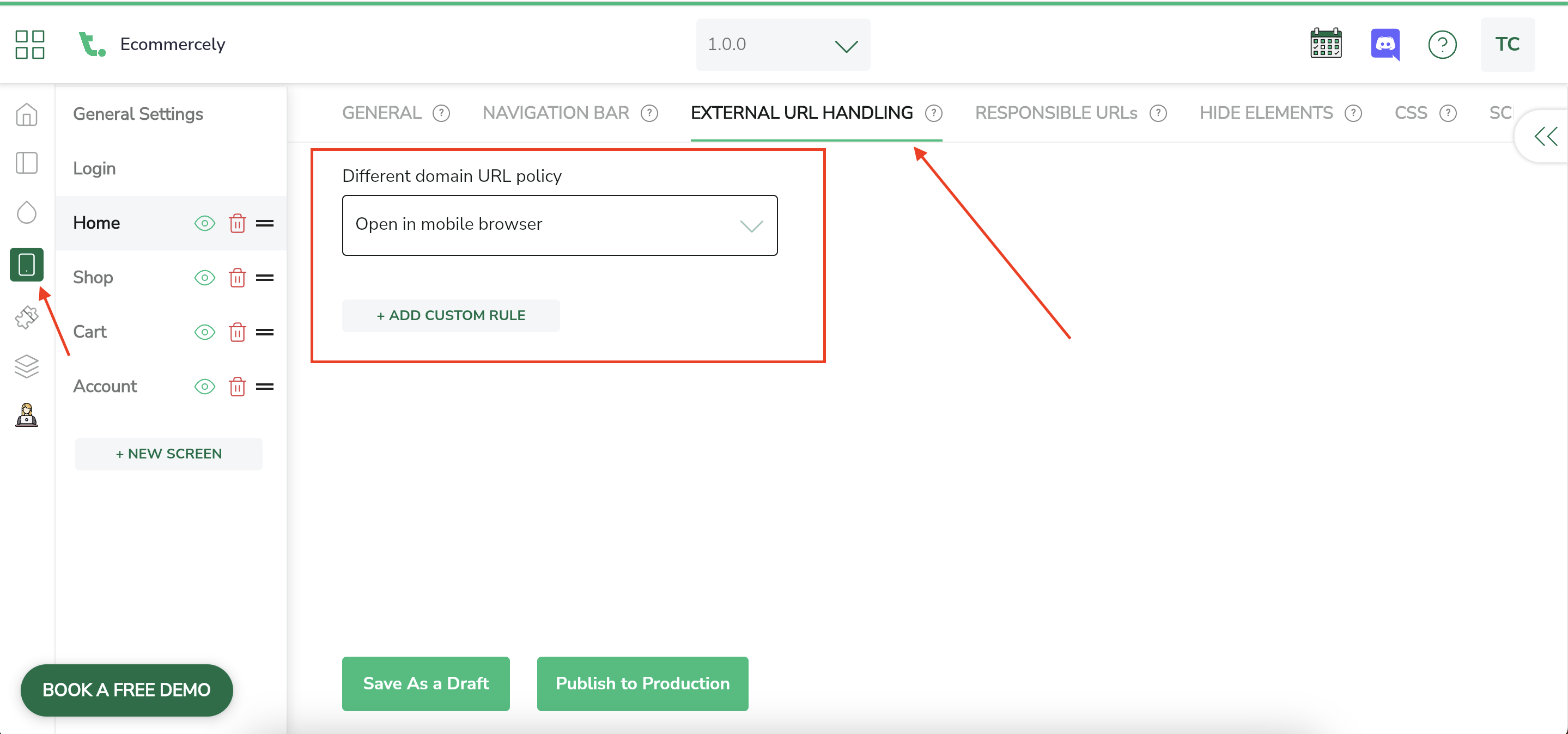
External URL Handling provides an option to handle different URLs elegantly. You can define general rule for Different Domain URLs. Also, you have an option to define custom rules based on URL matching.
You can define external URL handling in the General Settings as well as in tab. Tab level external URL handling rule will take precedence over General URL handling rule.
Twinr Framework will first try to match with Tab level rule and then general rule if required.
Please check this [document](/screen-customization/external-url-handling.md) to see how external URL handling rule work and how you can add it.