> For the complete documentation index, see [llms.txt](https://help.twinr.dev/llms.txt). Markdown versions of documentation pages are available by appending `.md` to page URLs; this page is available as [Markdown](https://help.twinr.dev/app-analytics/overview.md).
# Overview
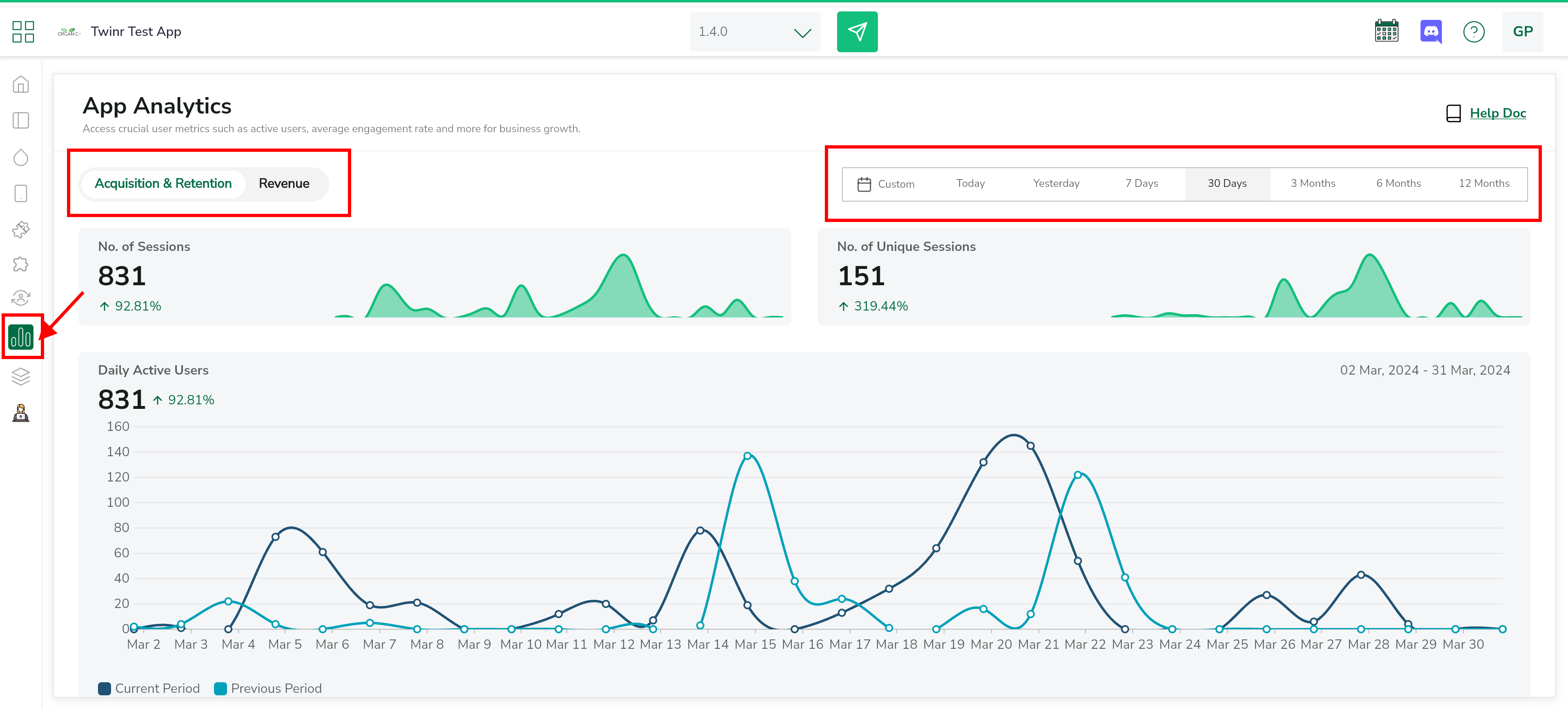
Twinr app analytics refers to the collection, measurement, and analysis of data generated by users interacting with your Android and iOS application. The goal of Twinr's app analytics is to gain insights into user behaviour, app performance, and other key metrics that can inform decision-making, improve user experience, and enhance the overall success of your app.
**NOTE** :
* This feature is included in PowerSuit plan. You must have PowerSuit active if you want to track your app analytics.
* Everything is automatically tracked by Twinr. You do not need to do anything! You just need a PowerSuit plan active to see the analytics.
Twinr's app analytics tool is used to track and analyze various aspects of user engagement, retention, conversion, and more.
{% content-ref url="/pages/JFL740sSS3t78MQ2gHEz" %}
[Acquisition & Retention](/app-analytics/acquisition-and-retention.md)
{% endcontent-ref %}
{% content-ref url="/pages/hrf7fZrYtWsRVwcTm0QD" %}
[Revenue](/app-analytics/revenue.md)
{% endcontent-ref %}